
Admin
Settings
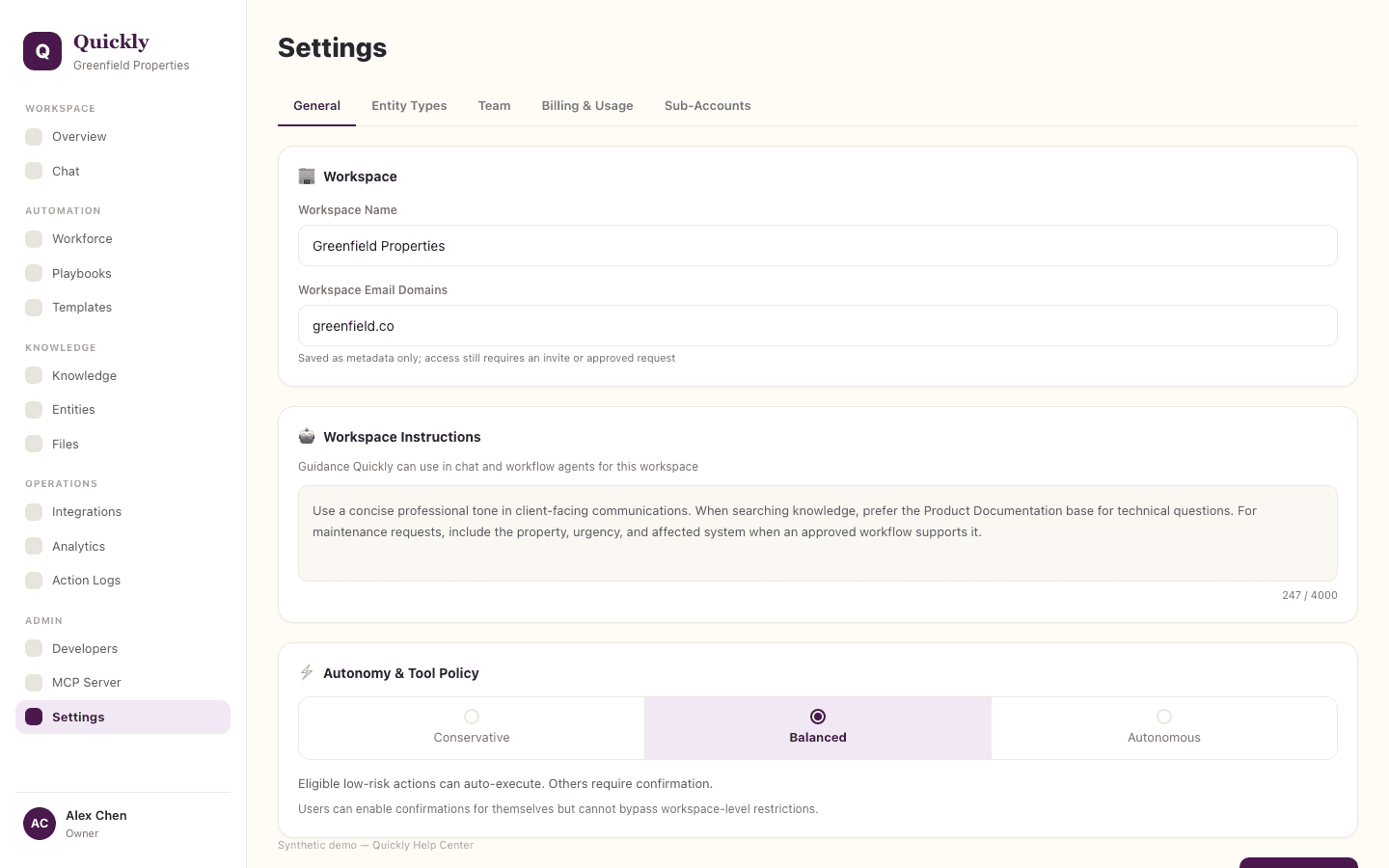
Settings shows account security and workspace configuration. Owners and admins manage workspace profile, team, billing, entity types, API keys, and autonomy controls.
Required tier: All plans
Guides
How to update workspace settings
- 1Open Settings.
- 2Review the sections available to your role.
- 3Owners and admins can edit workspace profile details, instructions, and workspace-wide controls, then click Save Changes.
How to manage billing entry points
- 1Owners and admins can open Billing & Usage from Settings.
- 2Review the current tier and usage.
- 3Click Upgrade or use the billing portal when changes are needed.
How to manage workspace preferences
- 1Owners and admins can review settings that affect all users, such as Conservative, Balanced, or Autonomous agent mode.
- 2Update defaults carefully because they shape agent behavior workspace-wide.
- 3Tell users when a setting changes expected behavior.
Some settings are visible to members, but workspace-wide settings are editable only by owners or admins. Managers do not use the Settings surface.