
Workspace
Overview
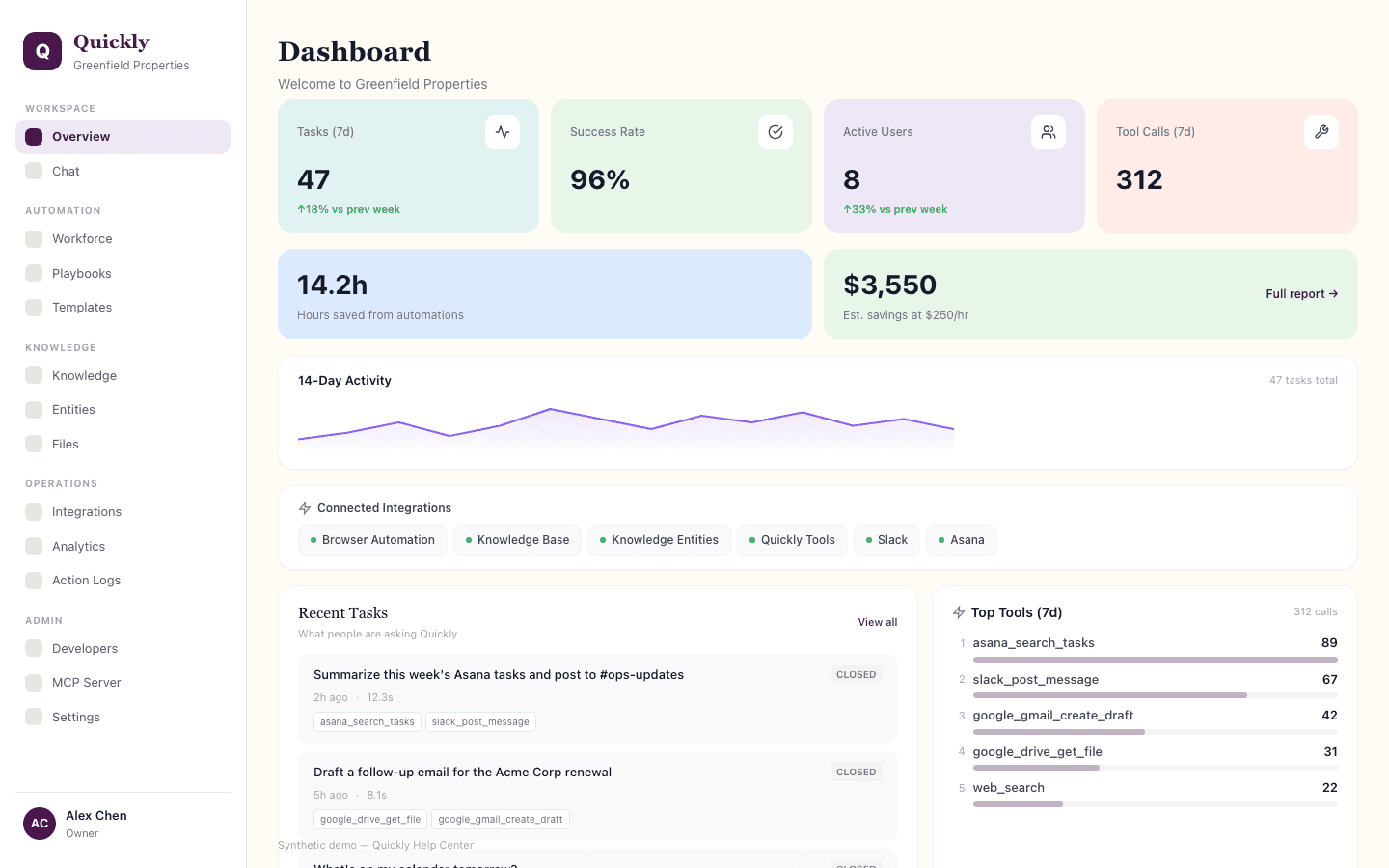
Overview is the workspace health page. Use it to understand whether Quickly is being adopted, whether work is succeeding, and where to investigate next.
Required tier: All plans
Guides
How to review workspace adoption
- 1Open Overview and start with usage volume for the current period.
- 2Look for flat or falling usage when you expected the team to be active.
- 3If usage is low, check whether users know which playbooks, agents, or integrations are available.
How to investigate unhealthy tasks
- 1Find failed, pending, or recently completed task indicators.
- 2Open the related task or Action Logs entry.
- 3Check whether the failure came from missing approval, missing integration access, incorrect task details, or a disconnected provider.
How to interpret ROI and time saved
- 1Compare high-activity workflows against time-saved or ROI signals.
- 2Expand workflows that remove real manual work.
- 3Rework workflows that generate activity but do not produce useful outcomes.
How to check integration readiness
- 1Review connected-service status before troubleshooting a weak answer.
- 2Reconnect or configure missing providers from Integrations.
- 3Retry the task after the required integration is available.