
Admin
MCP Server
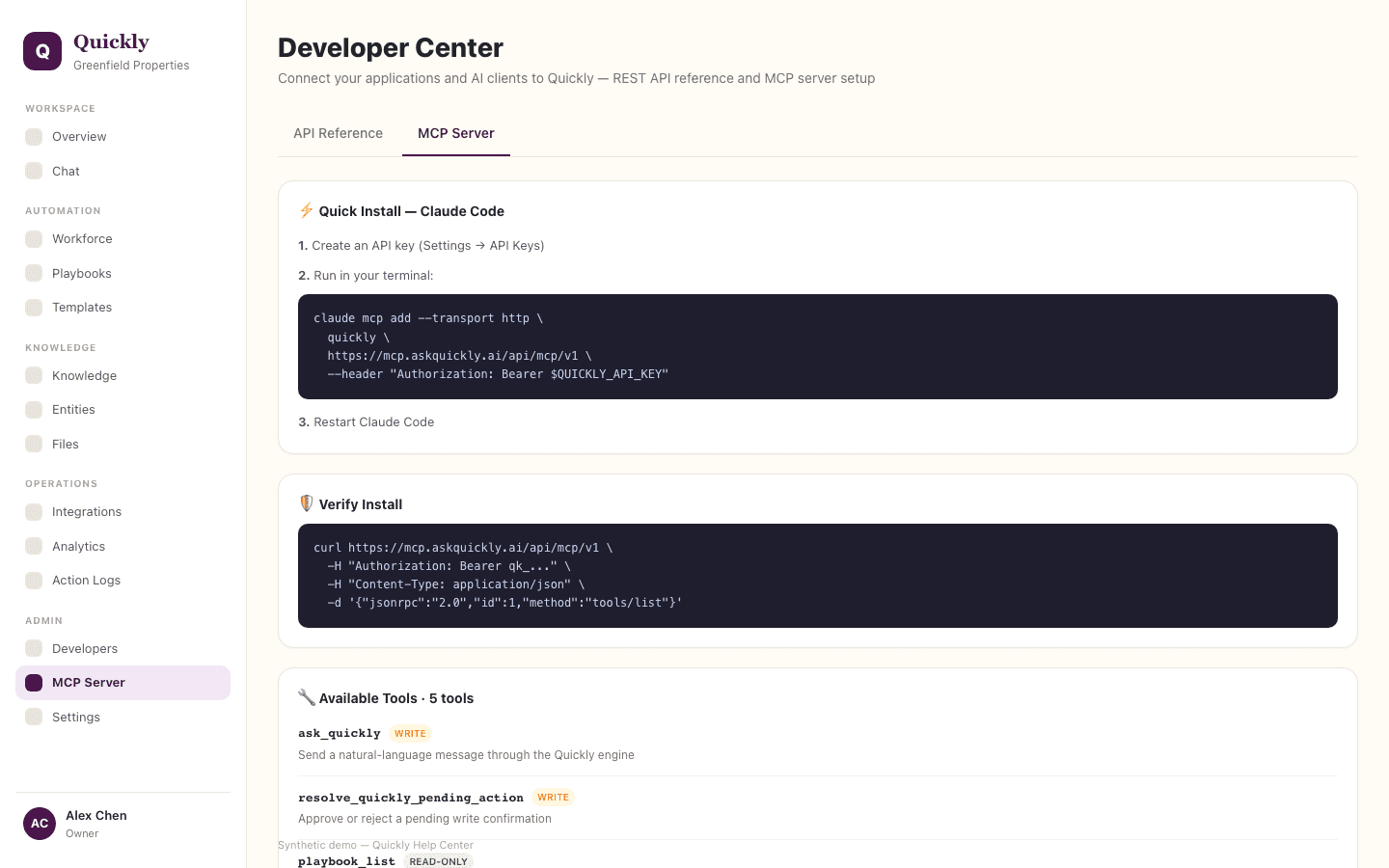
MCP Server explains how external AI clients discover and connect to Quickly through the Model Context Protocol.
Required tier: Core surface
Guides
How to connect an MCP client
- 1Open Developers in the sidebar and select the MCP Server tab.
- 2Copy the server URL.
- 3Paste it into the MCP-compatible client and complete authorization.
How to review OAuth setup
- 1Check the discovery details on the MCP Server tab.
- 2Confirm the client supports OAuth or the required auth method.
- 3Reconnect if authorization expires.
How to control external tool access
- 1Use workspace roles, scopes, and tool policy settings.
- 2Review Action Logs for client activity.
- 3Click Revoke if a client should no longer use Quickly tools.
MCP authorization is handled through the app OAuth surface and route-level scope checks.