
Knowledge
Entities
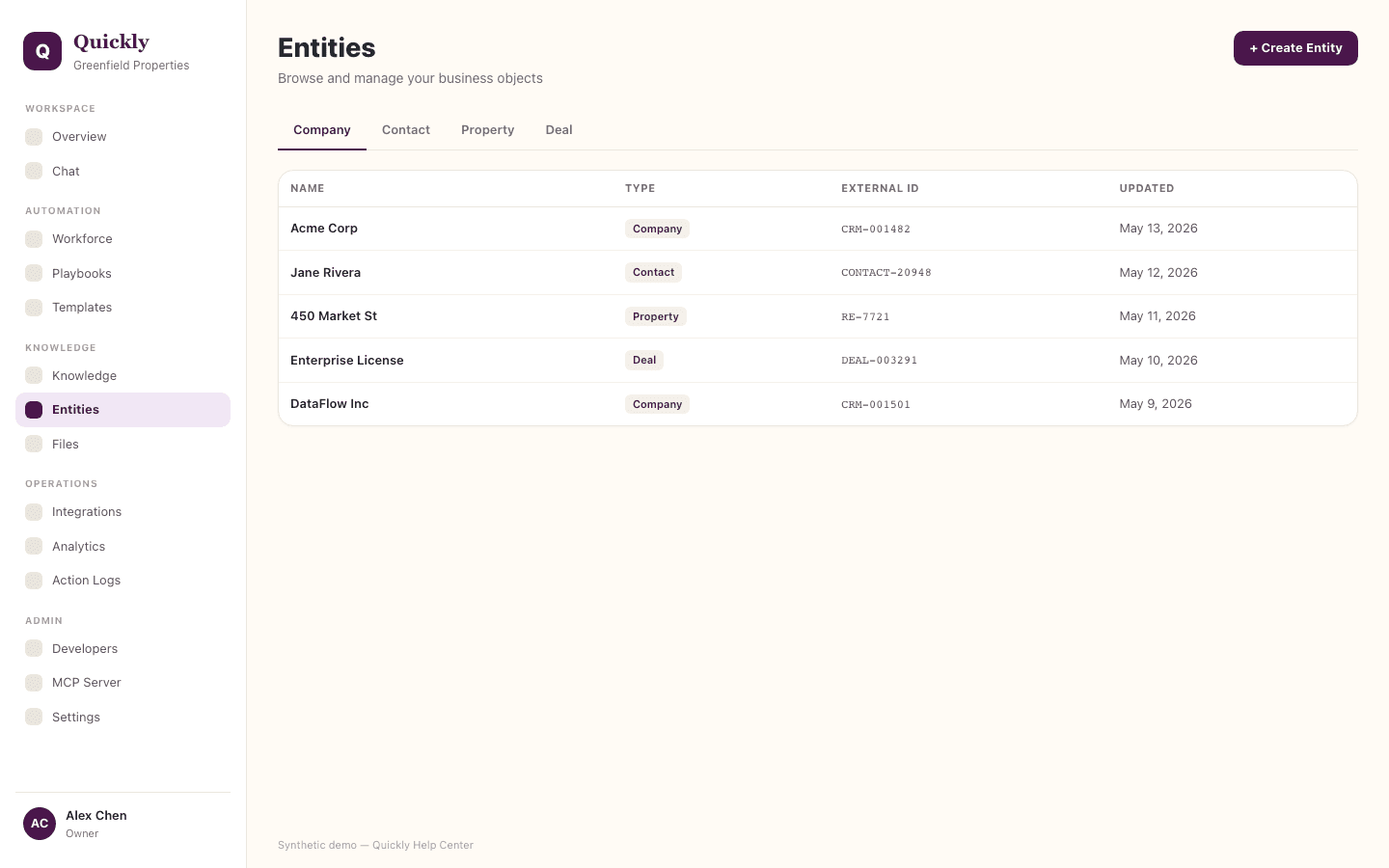
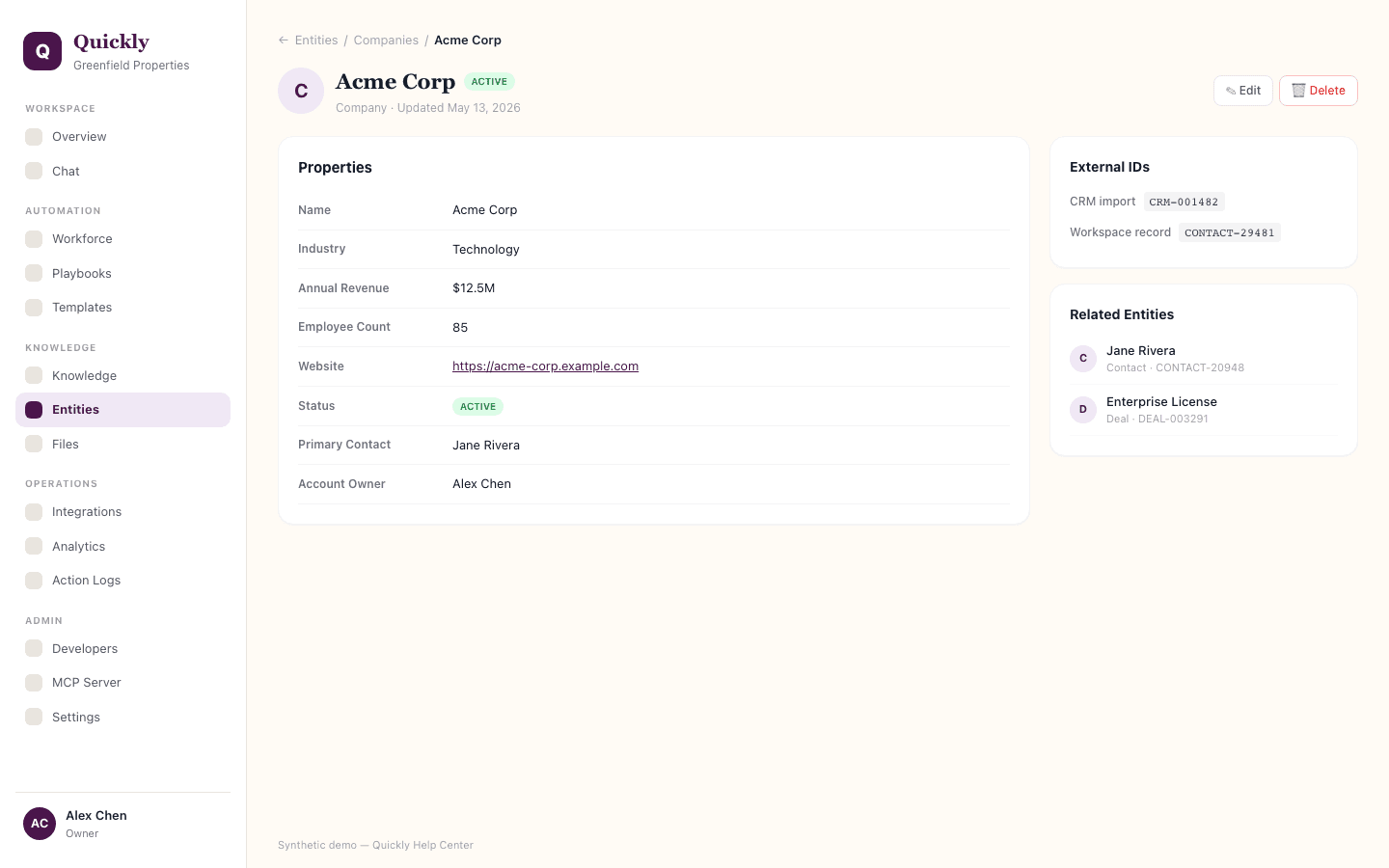
Entities are structured workspace records such as accounts, properties, contacts, or custom business objects. Members can review visible records when entity types are available; entity type definitions are controlled by workspace managers and admins.
Required tier: Capacity-based
Guides
How to search entities
- 1Open Entities.
- 2Choose an entity type available to your role.
- 3Use filters or search to find the right record.
How to create an entity
- 1If your role can create records, choose an entity type you can access and click + Create.
- 2Add the required fields.
- 3Click Save and confirm the record appears in search.
How to use entities in Chat or playbooks
- 1Ask Quickly to find or update a record by name.
- 2Confirm the matched record before clicking Approve.
- 3Use entity fields as context in downstream workflow steps.
Entity availability depends on the workspace feature set. Entity type setup and configuration are manager/admin-controlled. If no entity types are visible, ask a workspace Manager, Admin, or Owner to configure them or grant the right role.