
Operations
Action Logs
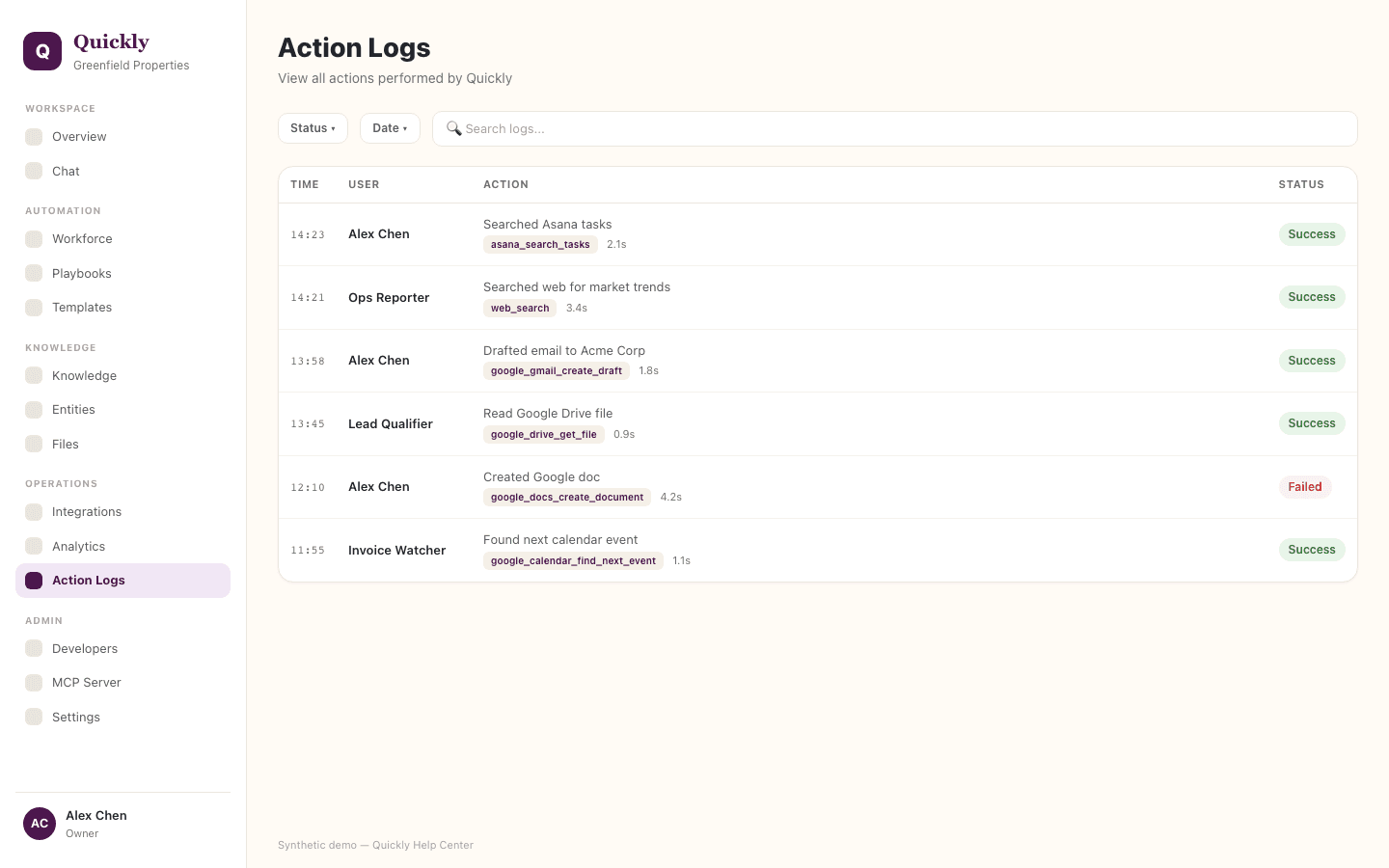
Action Logs provide the audit trail for Quickly tasks, messages, tool calls, confirmations, failures, and browser recordings.
Required tier: All plans
Guides
How to audit a task
- 1Open Action Logs.
- 2Find the task by user, status, date, or tool.
- 3Review messages, tool calls, approvals, and final output.
How to investigate a failed task
- 1Open the failed task.
- 2Read the tool summaries and visible messages around the failure.
- 3Check whether the cause was missing auth, bad parameters, policy block, or provider error.
How to review browser evidence
- 1Open the task detail.
- 2Find browser recordings, screenshots, or session links when present.
- 3Use them to confirm what page state Quickly saw.
Use Action Logs when reconciling user reports with actual tool execution.