
Workspace
Chat
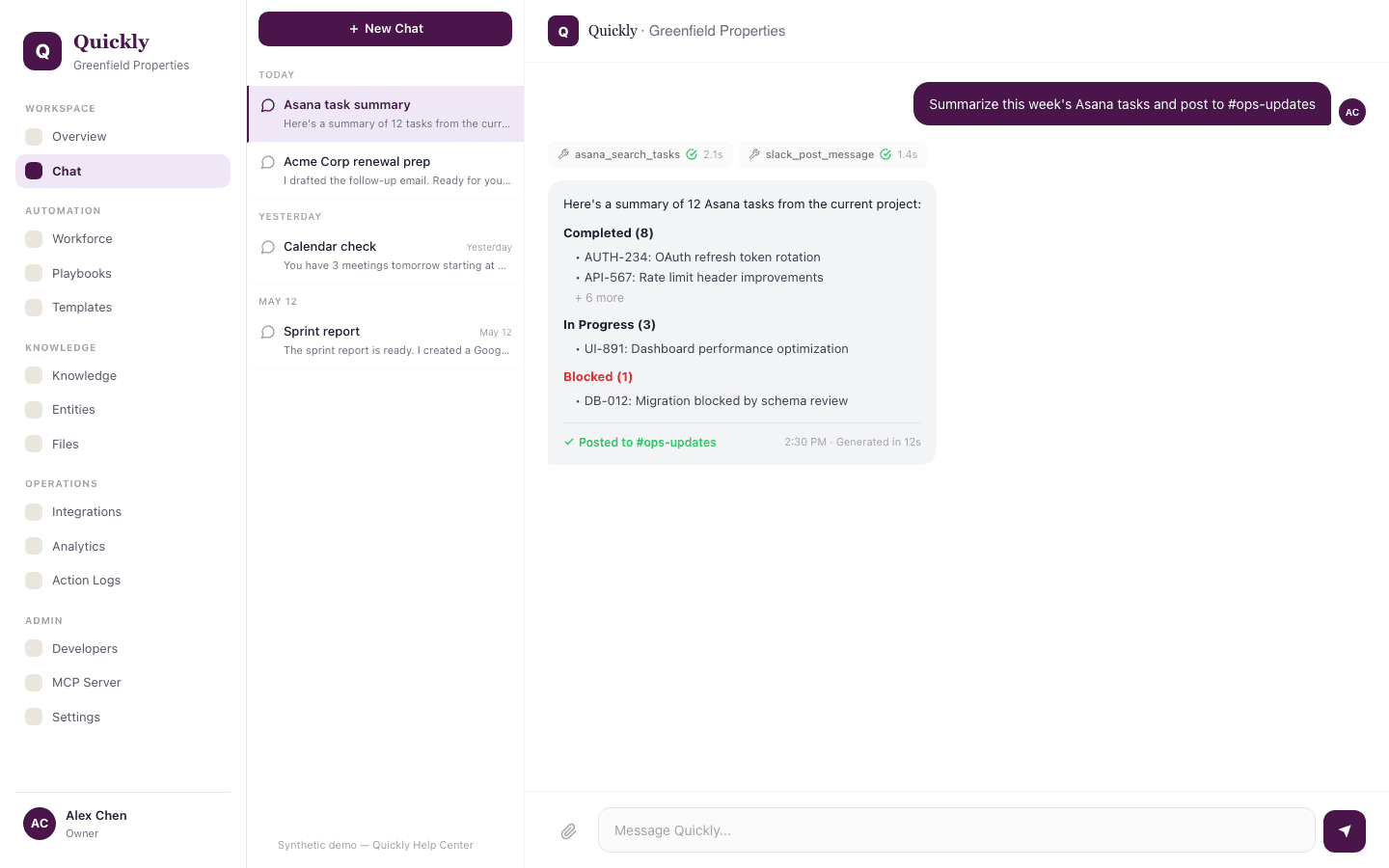
Chat is the fastest way to ask Quickly to research, draft, operate across connected tools, or build automations in the app for you.
Required tier: All plans
Guides
How to ask Quickly to complete a task
- 1Open Chat and describe the outcome you want.
- 2Name the tool, record, file, or system Quickly should use when you know it.
- 3Review the response and continue in the same thread if you need refinements.
How to upload a file and ask questions about it
- 1Click the file attach button and add the contract, spreadsheet, PDF, report, or other supported file.
- 2Ask a specific question such as "summarize the risks" or "extract the renewal terms".
- 3Ask follow-up questions in the same thread so Quickly keeps the file context.
How to ask Quickly to build an automation
- 1Describe the repeated process in plain language.
- 2Tell Quickly what should trigger it, what systems it should use, and where approvals are needed.
- 3Ask Quickly to create a playbook, agent, or workflow draft you can review.
How to approve a write action
- 1Read the pending action card before approving.
- 2Confirm the target system, record, and fields are correct.
- 3Click Approve to execute the action or Reject and tell Quickly what to change.
Write actions require confirmation when the tool risk policy marks them as sensitive.