
Admin
Developers
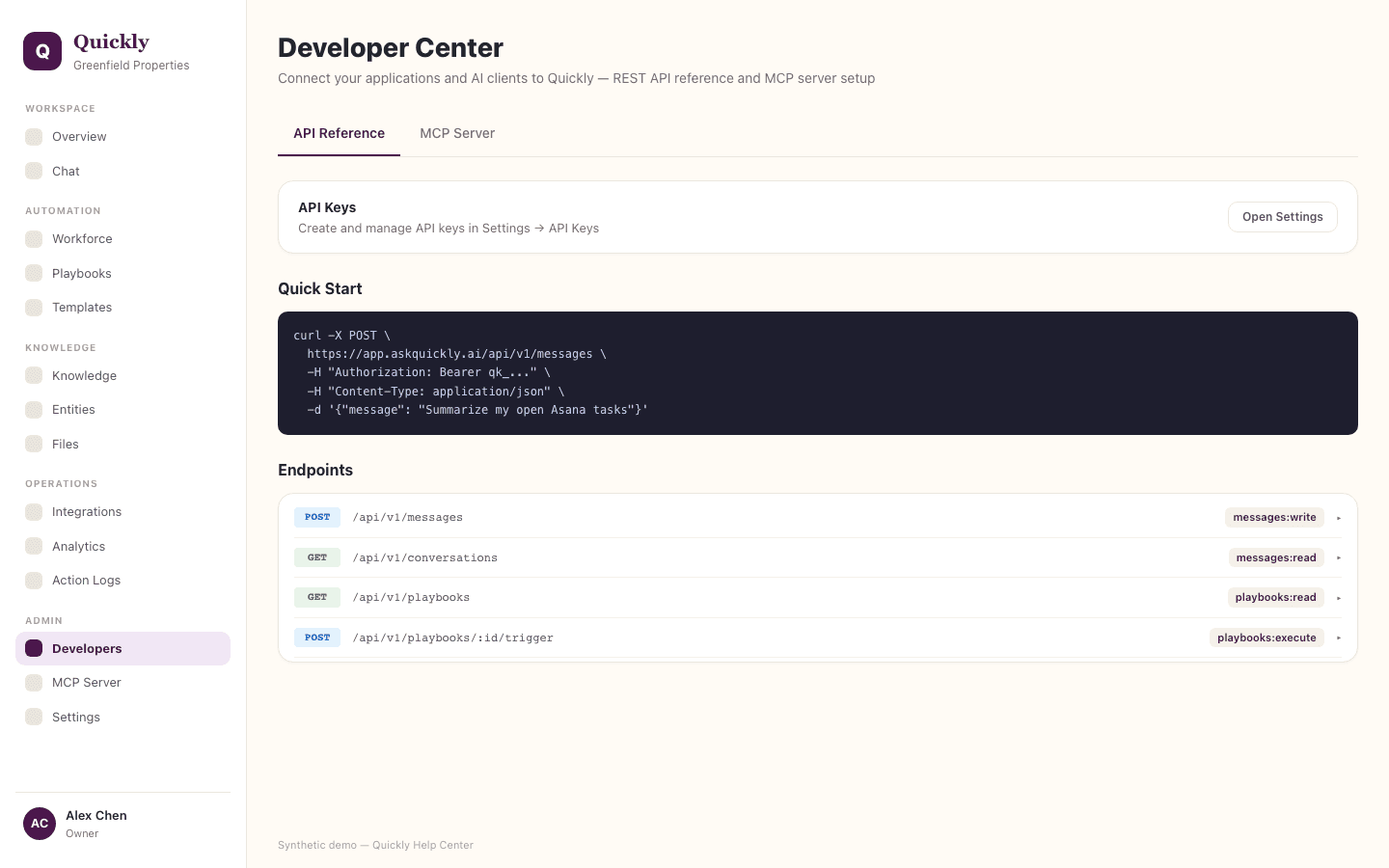
Developers contains public API examples, endpoint documentation, and integration material for programmatic access. API keys are managed in Settings.
Required tier: Core surface
Guides
How to create an API key
- 1Open Settings and navigate to API Keys.
- 2Click Create Key with the minimum scopes needed.
- 3Store the generated key securely because it will not be shown again.
How to test an endpoint
- 1Open Developers in the sidebar and select the API Reference tab.
- 2Copy an example request and add your API key as authorization.
- 3Confirm the response shape before wiring it into production code.
How to rotate a key
- 1Open Settings and click Create Key for a replacement.
- 2Update the consuming system.
- 3Click Revoke on the old key after traffic has moved.
API keys should be scoped to the minimum permissions needed by the consuming system.